Ads, trackers, and annoyances
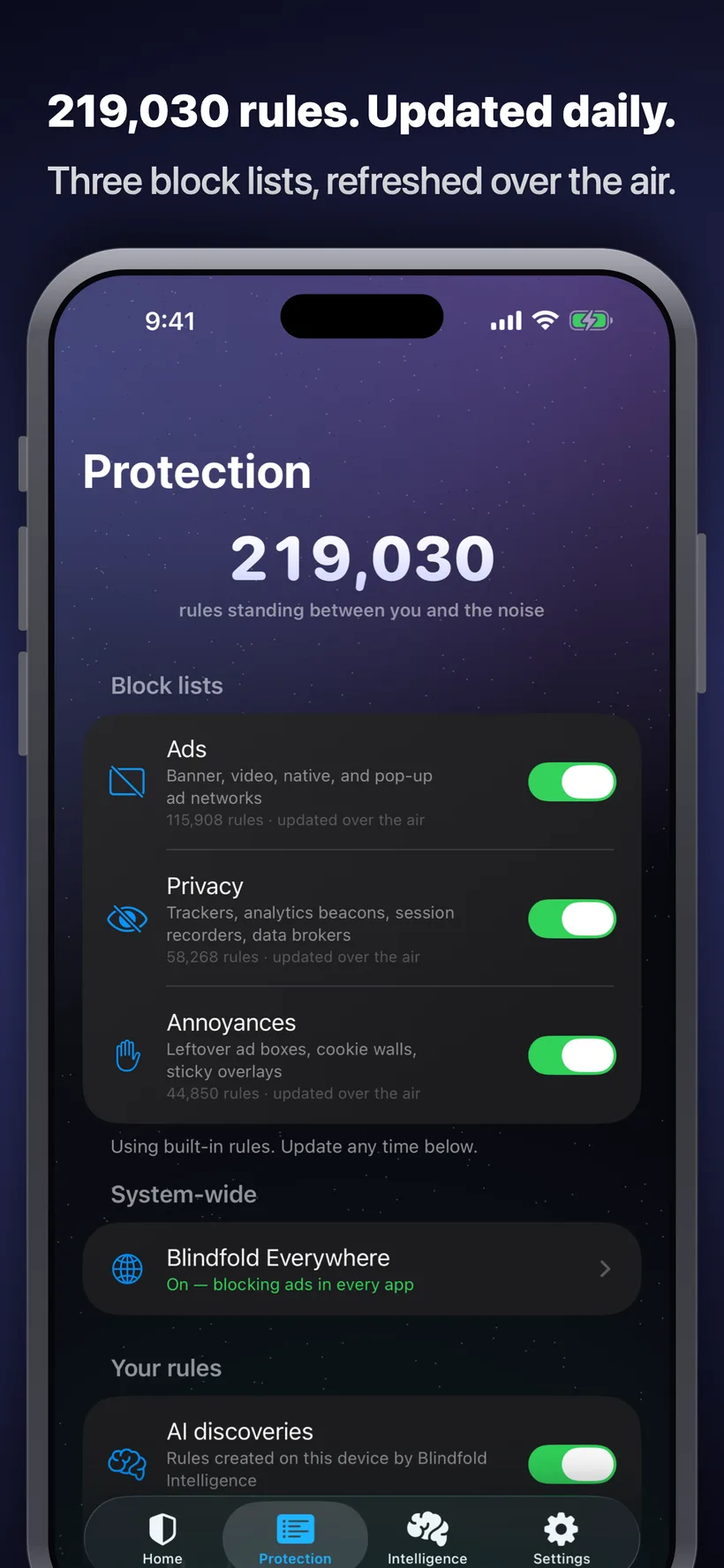
Three curated lists (ad networks, privacy trackers, and page clutter like cookie walls and sticky overlays) run natively in Safari with no page-load overhead.
Blindfold 1.0.2, Everywhere, and the purchase options shown here are awaiting App Store approval. The public App Store version does not yet include them.
Blindfold blocks ads, trackers, and page clutter in Safari. It's fast, entirely on your device, and nothing is hidden from you.

Blindfold 1.0.2, Everywhere, and the purchase options shown here are awaiting App Store approval. The public App Store version does not yet include them.
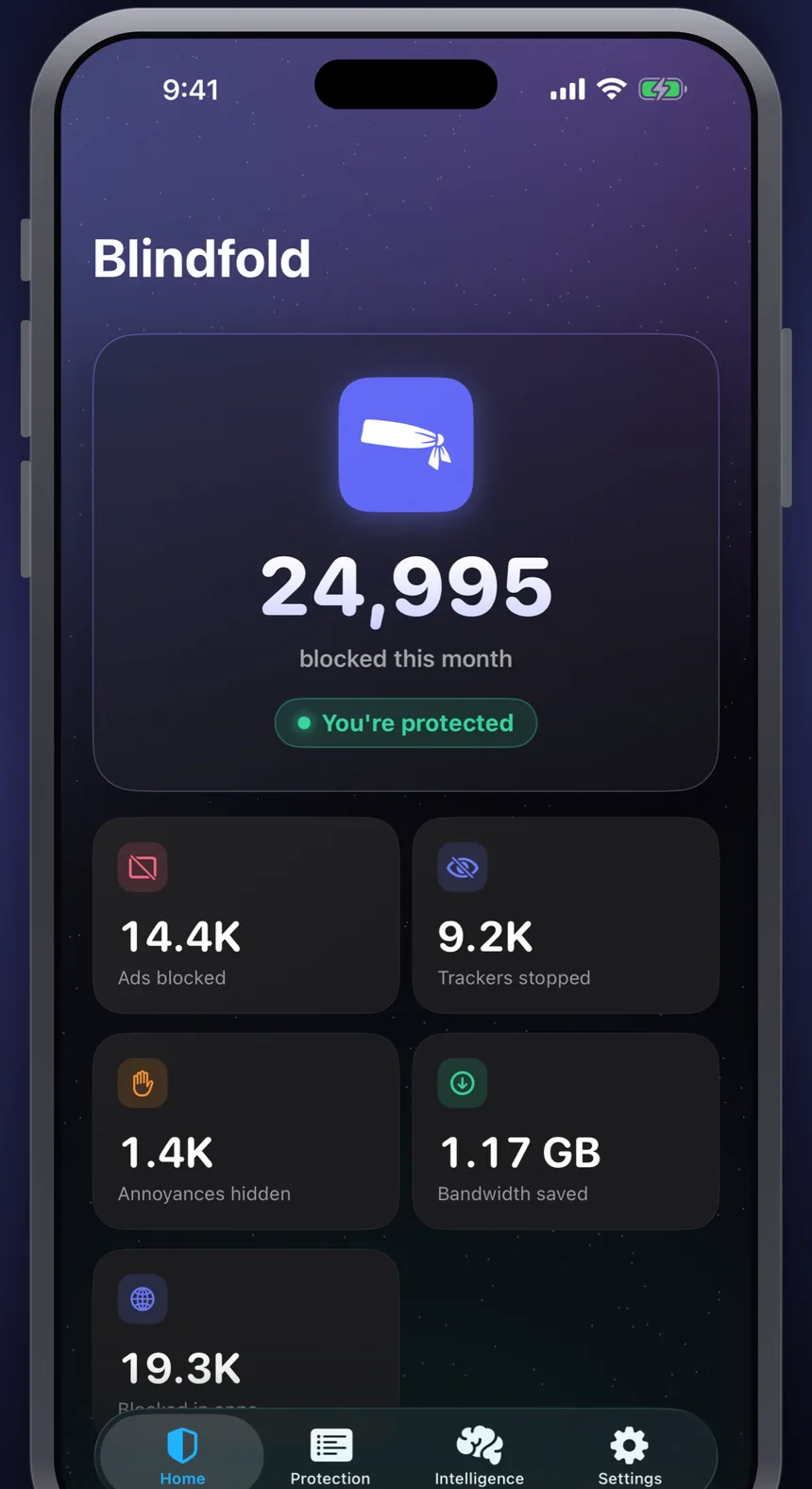
Three curated lists (ad networks, privacy trackers, and page clutter like cookie walls and sticky overlays) run natively in Safari with no page-load overhead.
Everywhere works in the submitted 1.0.2 build using Apple's URL Filter API. That build is still under App Store review and is not yet the public release.
When something slips through, Apple's on-device model studies it after the page loads and writes a precise hiding rule.
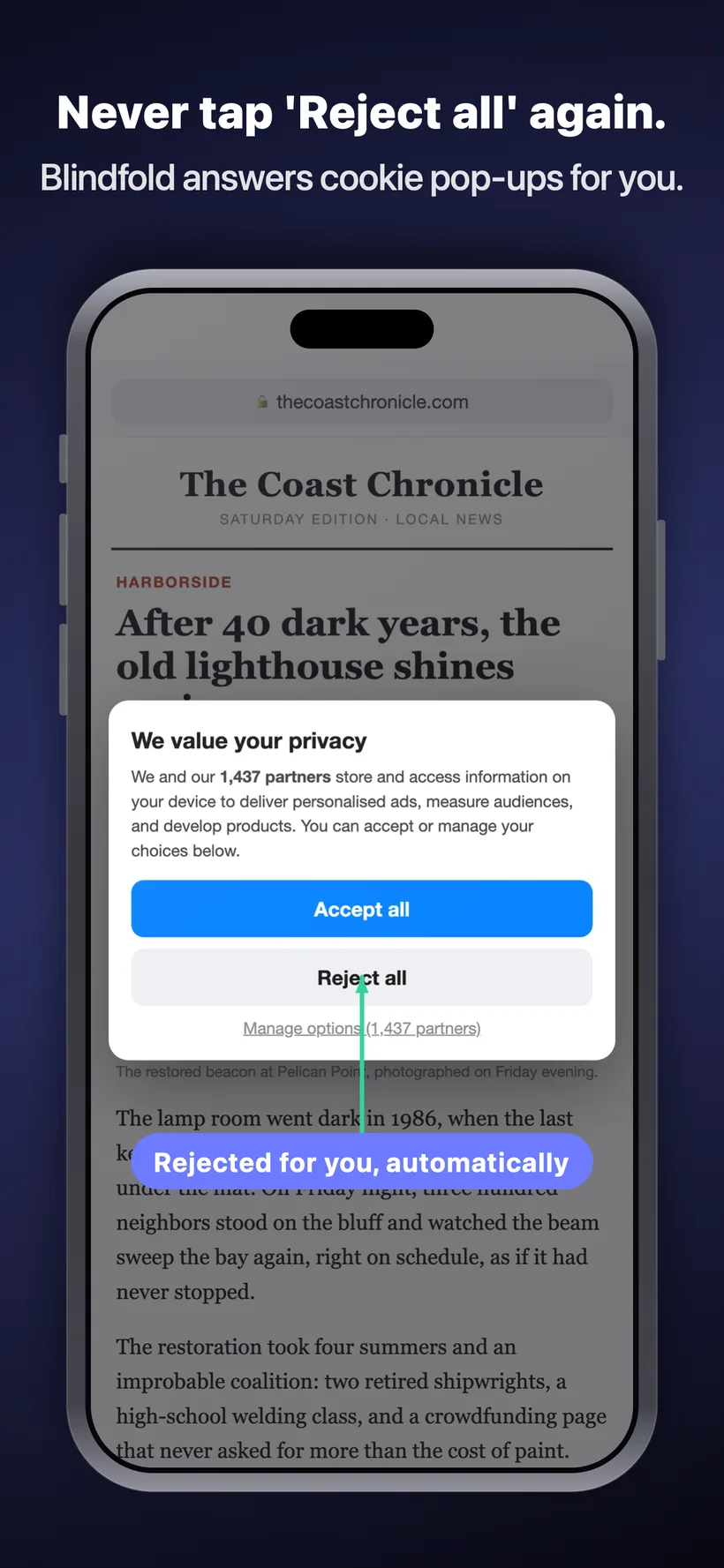
When a consent pop-up shows up, Blindfold taps “reject” on your behalf, using the site's own consent tools where it recognizes them so the rejection actually sticks, and hiding the pop-up outright otherwise.
Every filter list, every AI-written rule, and every custom rule you add is visible in the app. Toggle any list off, or edit and delete individual AI and custom rules yourself. No secret server-side backend.
Blindfold quietly answers the scripts sites use to detect blockers, so you're not nagged to switch it off to read.
Filter lists refresh over the air, daily, with no App Store update and no waiting for the next release.
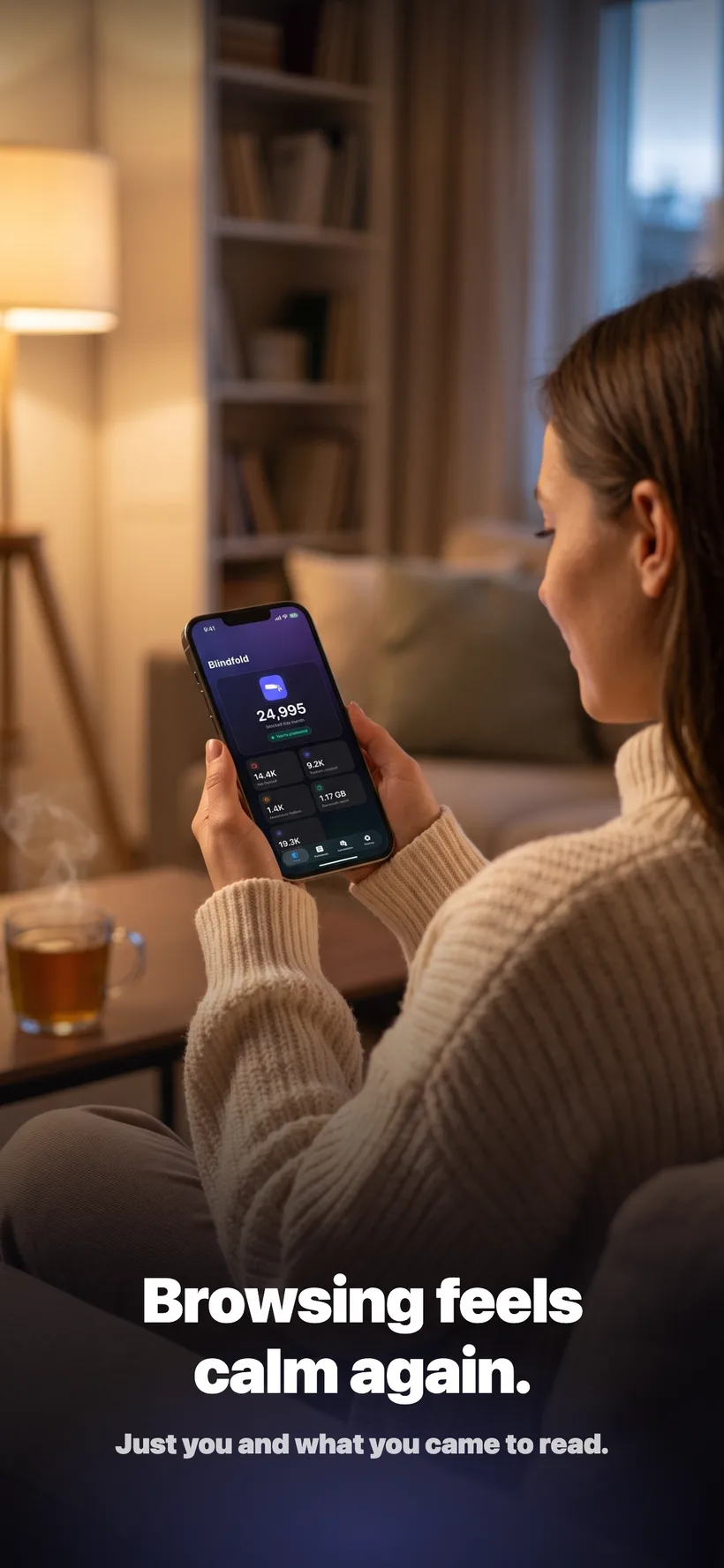
Watch ads blocked, trackers stopped, annoyances hidden, and bandwidth saved add up, then open any list to see exactly which rules are doing it.
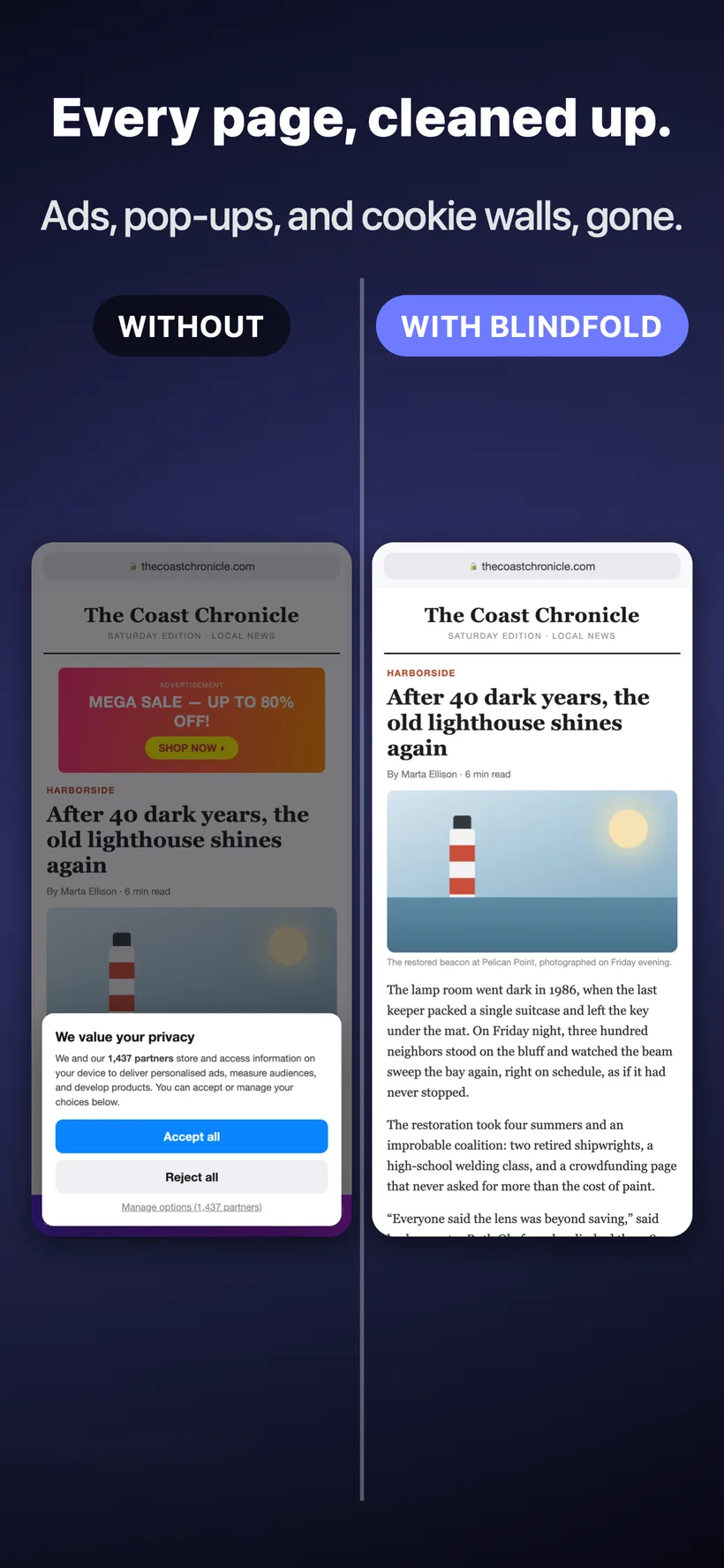
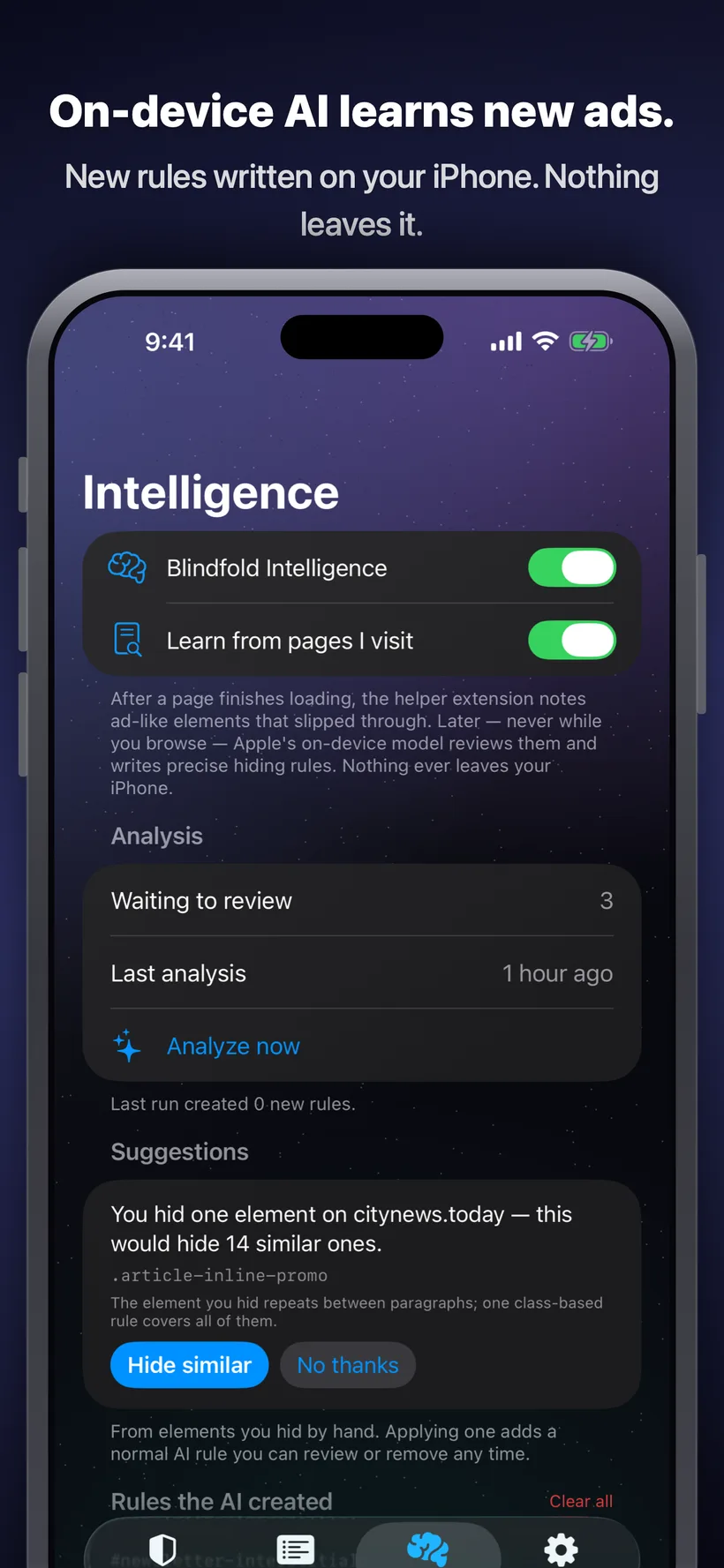
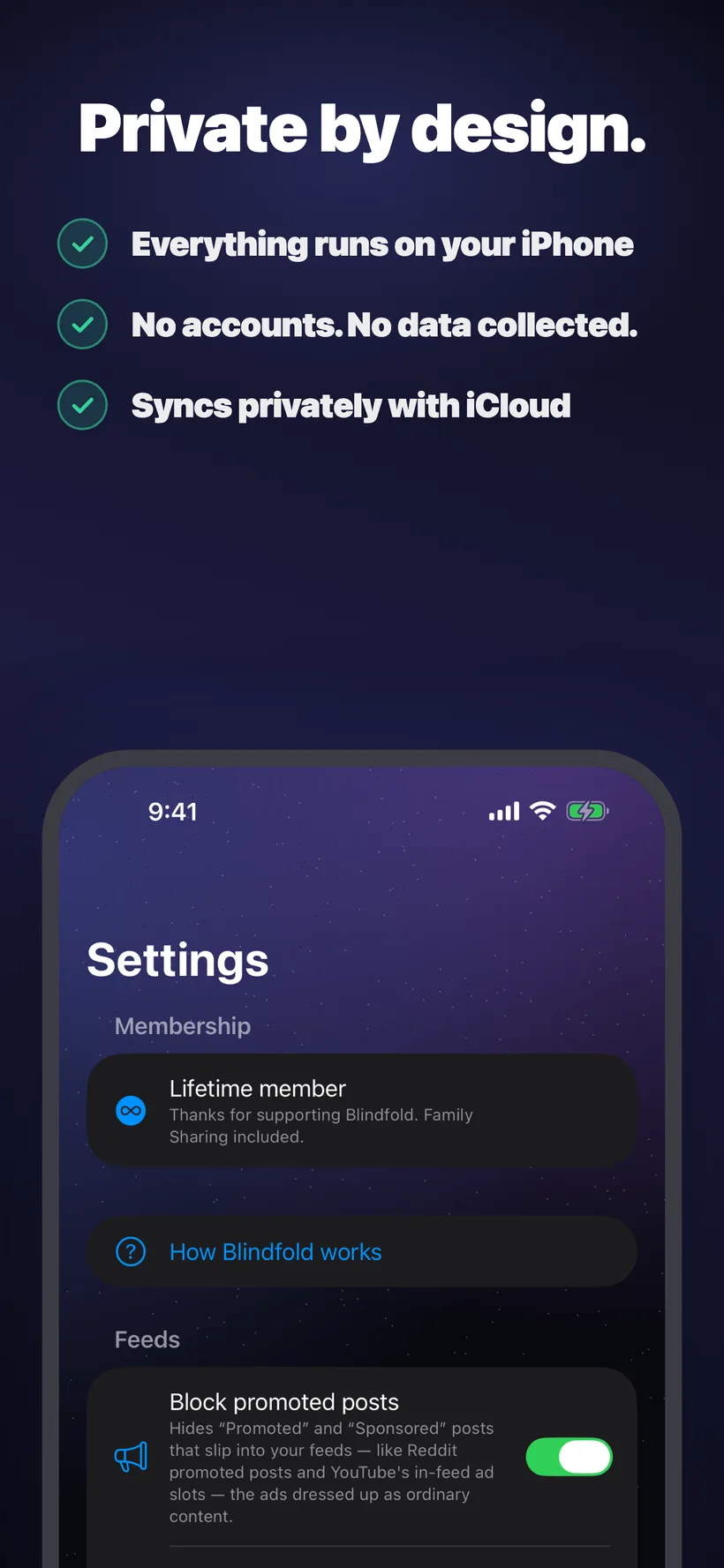
Some popular blockers keep their rules on a server you can't see or change, so you're trusting a black box. Blindfold keeps Safari blocking and the on-device AI entirely on your iPhone, and every filter list, AI-written rule, and custom rule is visible, editable, and deletable. System-wide blocking runs on private information retrieval: Blindfold operates the server, and the cryptography means it cannot learn which address your device asked about. It's yours.
Weekly
$1.99/wk
3 days free, then billed weekly. Cancel anytime.
Yearly
$19.99/yr
7 days free, then billed yearly. Cancel anytime.
Lifetime
$69.99
Pay once. Yours forever, no subscription.
All three include Family Sharing and every feature. No account required.
Fast, private, honest ad blocking for Safari.
Blindfold 1.0.2, Everywhere, and the purchase options shown here are awaiting App Store approval. The public App Store version does not yet include them.